
Salesforce LightningAutomation Evidence
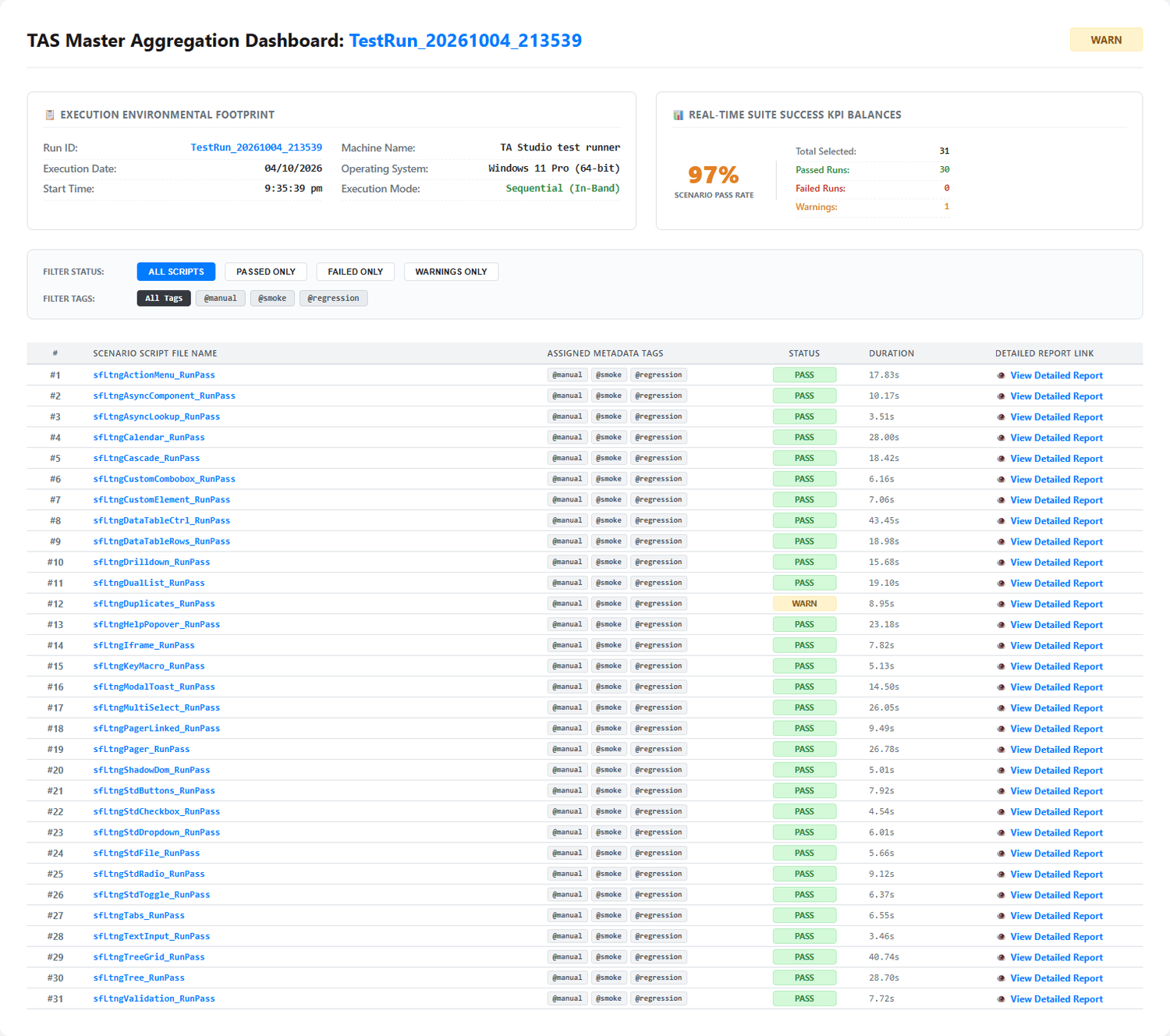
31 Salesforce Lightning interaction scenarios exercised using executable TA STUDIO automation. The evidence below shows the control, the TA STUDIO script, the execution result and the verified outcome.
1 warning: the Duplicates scenario deliberately uses a non-exclusive locator to demonstrate how TA STUDIO flags ambiguous matches.
Technical Coverage Demonstrated
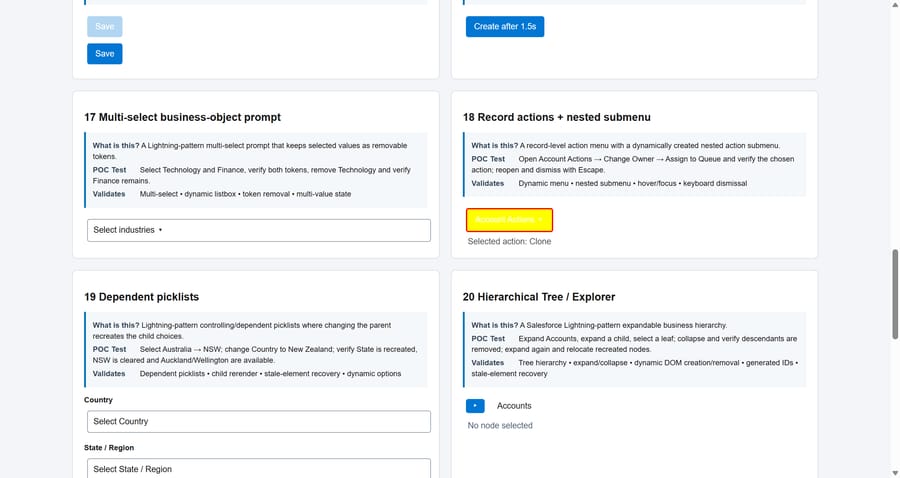
TA STUDIO has exercised the following representative Salesforce Lightning interaction patterns:
- Dynamic Components & Rerendering
- Inputs & Lookups
- Custom Comboboxes & Picklists
- Data Tables & Row Actions
- Tree & Tree Grid
- Modals, Backdrops & Toasts
- Tabs & Recreated Views
- Dependent Picklists
- Async Components
- Shadow DOM & iFrames
- Validation & Business Rules
- Action Menus & Nested Menus
- Dual List & Multi-Select
- Pagination & Drilldown
- Standard Controls & File Upload
- And more...
Featured Scenario Evidence
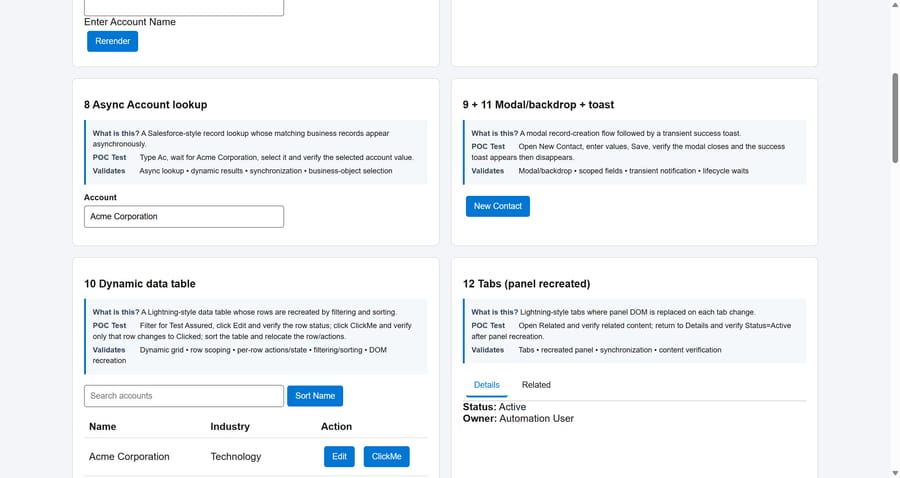
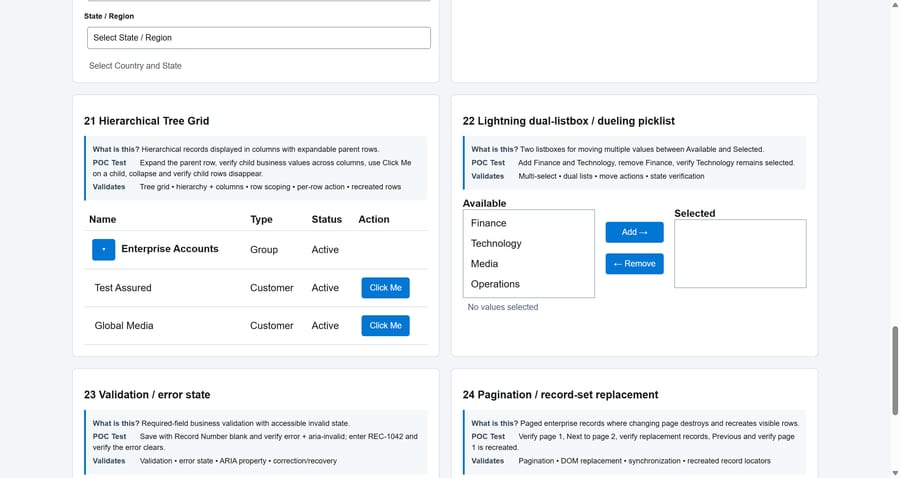
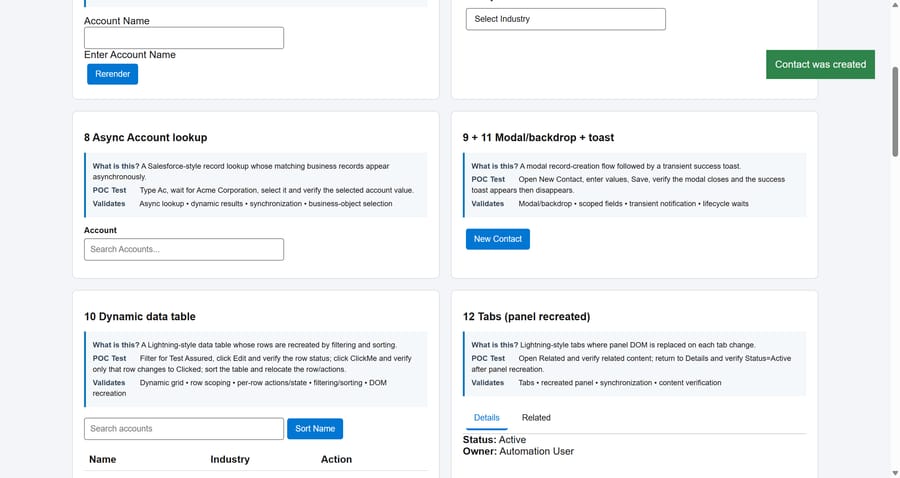
Four of the hardest controls from the qualification run. Open the full execution report, read the TA STUDIO script, or try the control in the POC.
Async Account Lookup
Tree Grid + Row Interaction
Modal, Backdrop & Toast
Full Qualification Run
The complete TA STUDIO run: all 31 Salesforce Lightning scenarios with their status and duration. Every scenario produces its own detailed report with steps, verifications and screenshots.

Back to Enterprise Applications
See whether TA STUDIO fits your enterprise applications.
A focused walkthrough grounded in the applications your team tests.
Get in Touch